Mastering Your Google Business Profile: A Step-by-Step Guide for Local Businesses

Learn how to claim, optimize, and leverage your Google Business Profile to win more local leads.

Mastering Your Google Business Profile: A Step-by-Step Guide for Local Businesses

How to create a content plan

Lorem ipsum dolor sit amet consectetur adipiscing elit. Diam quis tellus ut sem ac malesuada ipsum tellus vitae odio nulla sociis mauris consectetur ac enim condimentum sagittis nulla sed volutpat imperdiet habitant aenean ut turpis lectus pulvinar mattis fames suscipit aliquet pellentesque enim massa vitae pharetra amet.

  1. Vitae et erat tincidunt sed orci eget egestas facilisis amet ornare
  2. Sollicitudin integer  velit aliquet viverra urna orci semper velit dolor sit amet
  3. Vitae quis ut  luctus lobortis urna adipiscing bibendum

What is a content plan and why it is so important?

Lorem ipsum dolor sit amet consectetur adipiscing elit eu vestibulum massa volutpat vitae blandit aliquet rhoncus tempor, nunc id aliquam quis eget lobortis massa non est aliquam vel gras proin urna nec metus faucibus turpis nunc tellus.

Lorem ipsum dolor sit amet, consectetur adipiscing elit.

What are the best tools to create content plans easily?

Viverra in nulla natoque non ultrices eget neque rhoncus potenti ultrices lectus sit dis sed ornare nunc sociis et est arcu egestas dis non sit felis, praesent cras convallis egestas risus sed turpis lectus donec eu lectus maecenas quis odio quis ornare magna pulvinar commodo risus eget imperdiet senectus turpis iaculis maecenas velit sagittis neque tempor in volutpat  condimentum diam enim hendrerit ut.

3 tips to create a content plan that drives engagement and growth

Eu risus sed turpis lectus donec eu lectus maecenas quis odio quis ornare magna pulvinar commodo risus eget imperdiet senectus turpis iaculis maecenas velit sagittis neque tempor in volutpat, condimentum diam enim hendrerit ut.

  • Dolor duis lorem enim eu turpis potenti nulla semper velit sed
  • Lorem a eget blandit ac neque amet amet non dapibus pulvinar
  • Pellentesque non integer ac id imperdiet blandit sit bibendum
Eu risus sed turpis lectus donec eu lectus maecenas quis odio quis ornare magna pulvinar commodo risus eget imperdiet.
Identify the content that is performing best, and stick with it

Egestas orci purus sed at quisque lacus tempus cursus facilisi scelerisque tellus nunc scelerisque ornare id id nullam sit gravida habitant donec amet amet sit elementum cras tellus at elementum sit Id sit sagittis dolor nibh elit magna tortor accumsan consectetur sit fames amet aliquet amet nunc scelerisque nulla massa scelerisque gravida neque ultrices sed eu nulla diam sapien ac enim.

With “near me” searches up 500% year-over-year, your Google Business Profile has become the gateway to high-intent local leads. Follow this simple, step-by-step guide to claim, optimize, and leverage your profile for maximum visibility—and watch your foot traffic and calls soar.

1. Claim and Verify Your Profile

  • Search & Select: Go to Google.com/business, search for your business name, and click “Manage now.”
  • Verify Ownership: Choose your verification method (postcard, phone, email) and follow the prompts.
  • Complete Your Info: Fill in your business name, address, phone number, and website exactly as they appear on your site—and keep them consistent across all channels.

2. Craft a Keyword-Rich Business Description

  • Lead with Your Specialty: Start with your core service + location (e.g., “Phoenix’s premier landscape design and installation”).
  • Weave in Keywords Naturally: Mention services (“hardscape design,” “outdoor kitchens”) and use “near me”–style phrases (“landscape design near me”).
  • Include a Call to Action: End with an invitation, like “Call today for a free design estimate!”

3. Optimize Photos & Posts

  • Quality Over Quantity: Upload high-resolution images of your workspace, team, and signature projects.
  • Use All Categories: Cover your storefront, interiors, products/services, and team shots.
  • Regular Posts: Share updates—special offers, events, or new blog posts—to keep your profile fresh and engaging.

4. Solicit & Respond to Reviews

  • Ask After the Win: Send a polite follow-up email or text after a job well done, with a direct link to your review page.
  • Respond Promptly: Thank every reviewer, address concerns, and highlight how you’ll make things right.
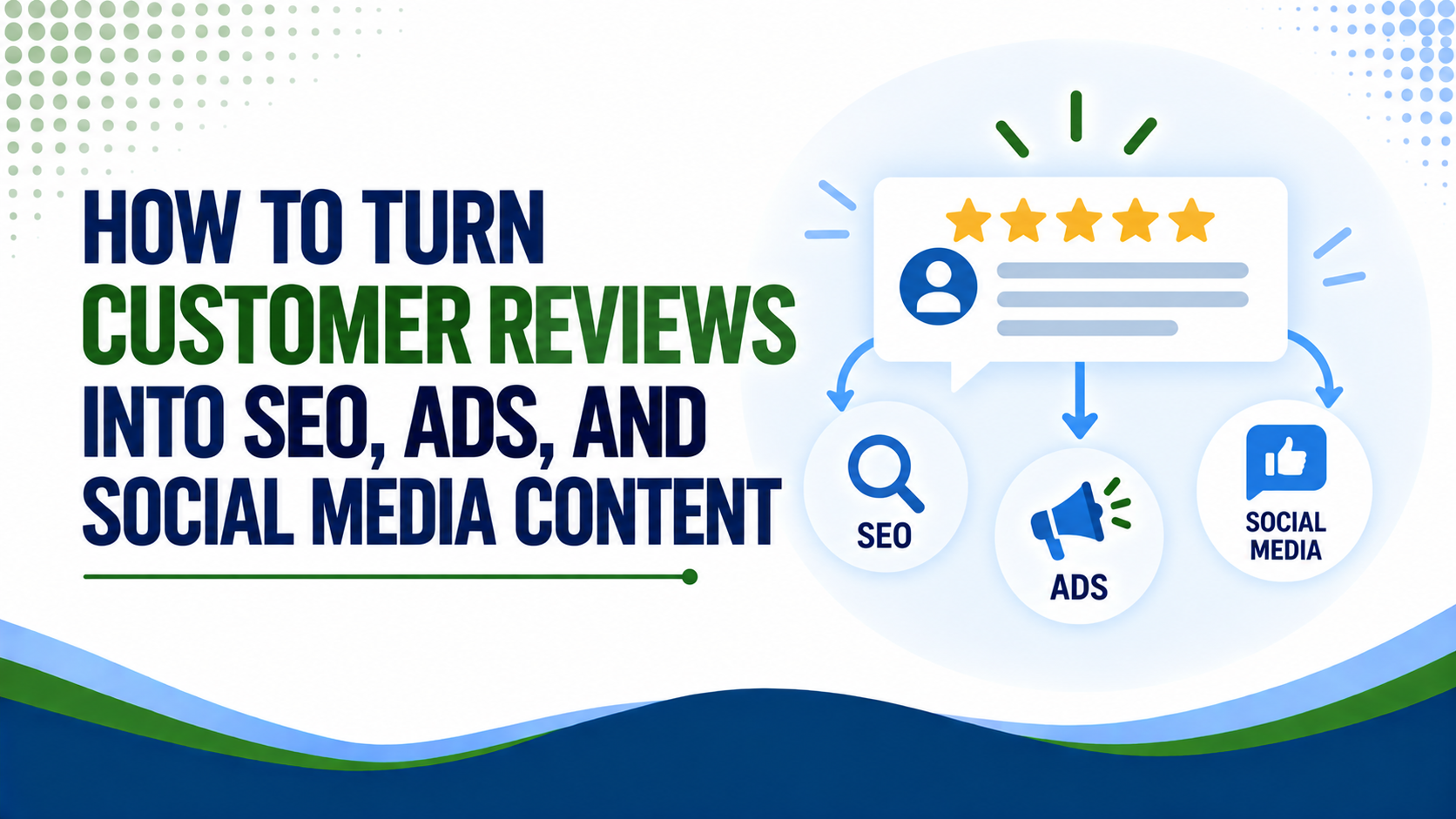
  • Leverage Feedback: Showcase 5-star testimonials in your website and social feeds to reinforce credibility.

Why Partner with Weslo Digital?

We’re a marketing agency from Phoenix, AZ. We partner with ambitious brands ready to break the mold, delivering customized strategies that ignite growth, elevate performance, and achieve remarkable results. Our Local Listings Service. We optimize and manage your Google Business Profile and local directory listings to boost visibility and trust. From audit to ongoing updates, we ensure your business info, visuals, and reviews stay accurate, geo-targeted, and engagement-ready—so you show up where it counts and win locally.